

ABOUT US
T-Labs is the Research & Development department of Deutsche Telekom, dedicated to exploring disruptive trends and establishing technology leadership to create valuable business opportunities for Deutsche Telekom and its customers. Co-creation is at the core of our mission: we collaborate with academic institutions on research and run incubation programs with startups, developers, and strategic partners worldwide. We currently focus on future network technologies, including Quantum Networks, Network Security, Digital Twin, and ongoing Technology Exploration.
Quantum Networks
Telecommunications networks belong to the most complex structures in modern industrial societies. The techno-economic evolution of these networks along the principles of decentralization, disaggregation and automation defies classical deterministic system analysis. It is driven by technological progress, notably the emergent world of quantum computing. Consequently, mastership of data-driven algorithmic approaches for optimized operation and preemptive cybersecurity in telecommunication systems become more and more important and must be achieved by large-scale operators such as Deutsche Telekom. This competence area is denoted as Artificial Intelligence. Its application to well-defined techno-economic contexts such as Open RAN, cybersecurity, quantum technology and radio network technology of the next generation (“6G”) is in the focus of T-Labs.
Technology Exploration
As digital technologies rapidly advance, Deutsche Telekom stands at the forefront of an industry-wide transformation. Central to our strategic vision is the integration of artificial intelligence technologies, which is becoming increasingly vital for telecom providers. It presents a crucial impetus for us to adapt our business models and undertake a comprehensive reevaluation of our network architecture. Embracing these challenges head-on, we are pioneering a future where our infrastructure meets the escalating demands of our customers with agility and resilience. Our Technology Exploration tribe research on AI-driven solutions that promise enhanced efficiency, predictive maintenance, and personalized customer experiences.
Network Security
The research area Network Security focusses on creating a powerful scientific toolkit for studying the most pressing issues of future telecommunication networks: Security, Efficiency, Stability and Complexity Management. To address those issues, we develop Digital Network Twin tools to investigate various questions, ranging from network resource optimization to aggregate energy consumption optimization.
Digital Network Twins furthermore support overarching and preemptive Network Security approaches. To be specific, we aim at leveraging the recent revolutionary progress in Generative AI for Network Security functionality.
TEAM
Experts and scientists from a wide variety of disciplines, as well as young entrepreneurs, from more than 25 nations all work together at T-Labs.







CO-RESEARCH ECOSYSTEM
Based on our mission, T-Labs is researching on future oriented topics in particular using the opportunities generated by the cooperation with universities, research institutes, startups and industry partners.
Since 2004, the Technische Universität Berlin (TU Berlin) and Deutsche Telekom came together to establish an university-affiliated institute, Telekom Innovation Laboratories (T-Labs), as part of a public private partnership. The object of this partnership has been to carry out joint research in information and communications technology, and digital innovation.
Furthermore, T-Labs is engaged in a number of additional research cooperation with dedicated endowed chairs in Germany, in Europe and beyond. Our network of major university partnerships include: Technische Universität Berlin, Technische Universität Dresden, CODE University of Applied Sciences (Berlin), Eötvös Loránd Universität (Budapest), Technische Universität Wien and Ben-Gurion-Universität des Negev (Israel).
T-Labs is bringing experts from Deutsche Telekom, together with scientists from various national and international universities and research facilities, on a project basis, to develop innovative solutions for the near and long-term future.
In Germany, these research cooperation span a nation-wide network across most of the “Excellence Universities” to form a technology cluster dedicated to specific topics. A concrete example is the 5G Co:Creation Lab set with industry Partners as part of the NRW Tech Cluster, with Technology & Arts TH Köln & University of Köln.
With the aforementioned project partnerships, endowed chairs, and joint ventures on a national and European level, Deutsche Telekom is making an active contribution to the realization of commercial projects, to the transfer of technology, and to innovation marketing.
Upcoming Events
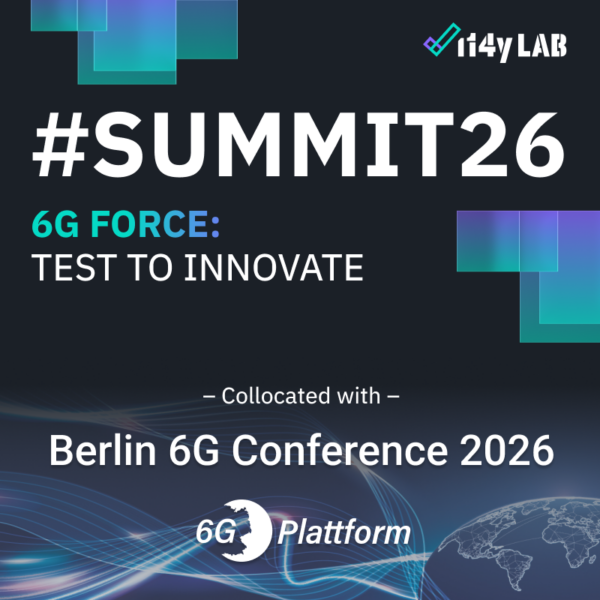
Join T-Labs at i14y-Lab Summit and 6G Conference in Berlin 2026, Sept. 7th-10th
T-Labs is excited to announce its participation in two premier industry events this September 2026: the i14y-Lab Summit and the 6G Conference in Berlin! Our expert, Heiko Lehmann, will co-lead insightful sessions. Take this opportunity to engage with leading minds, explore groundbreaking projects, and dive into the future of telecommunications. Below are the details of our sessions: i14y-Lab Summit: Quo vadis 6G-integrated RAN – Complexity, Stability, and Efficiency 🗓 Date: September 7, 2026 ⏰ Time: 16:45 - 17:45 📍 Location: bcc Berlin Congress Center GmbH, Alexanderstr. 11, 10178 Berlin (Germany) While we have AI/ML seen to invade a lot of isolated functions [...]
Past events
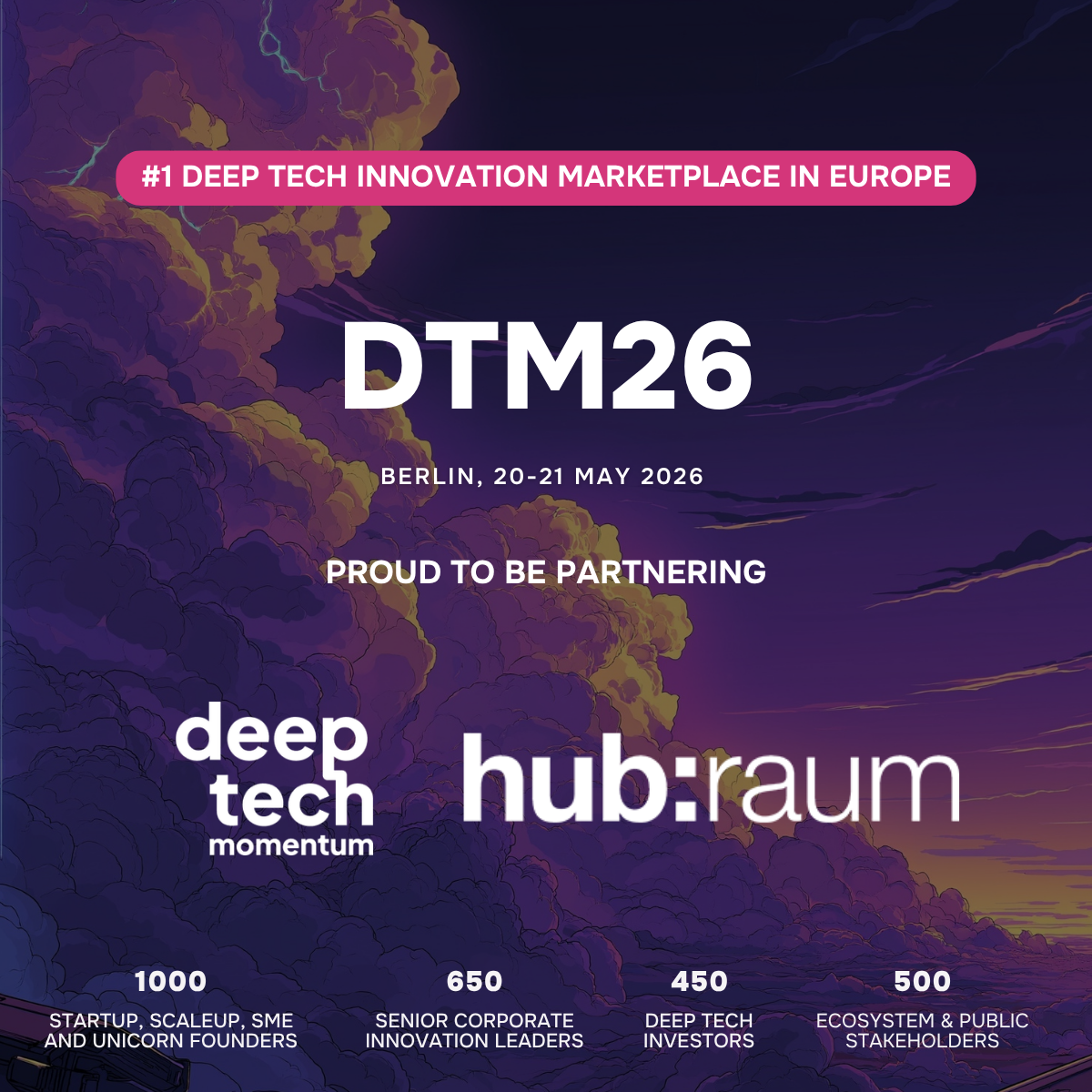
Join the masterclass at: Deep Tech Momentum in Berlin, May 20th-21st
Masterclass From First Meeting to Real Impact: Inside a Startup–Corporate Collaboration That Worked (and What Didn’t) - register here What really happens when a deep tech startup meets a global corporation? In this interactive masterclass, Syntho (AI-driven synthetic data startup) and Deutsche Telekom take you behind the scenes of their year-long collaboration journey — from first contact at Deep Tech Momentum to a real-world proof of concept in telecom environments. Together, CEO Wim Kees Janssen and Deutsche Telekom’s Martin Martiska will share an unfiltered perspective on: How the collaboration started — and what almost stopped it [...]
Meet us at: IEEE 6G Summit in Dresden, May 19th-20th
Save the date for May 19 & 20, 2026 We will be back again this year at the 11th chapter of the IEEE 6G Summit! Deutsche Telekom is one of the Diamond Sponsor with our own dedicated stand featuring exciting demos. Above all, we are participating as T-Labs, the Research & Development unit of Deutsche Telekom, bringing cutting-edge innovations directly from our labs to the Summit. Join us at the International Congress Center Dresden for an inspiring two-day event that unites industry leaders, academic pioneers, and tech enthusiasts The Summit will captivate with insightful talks [...]
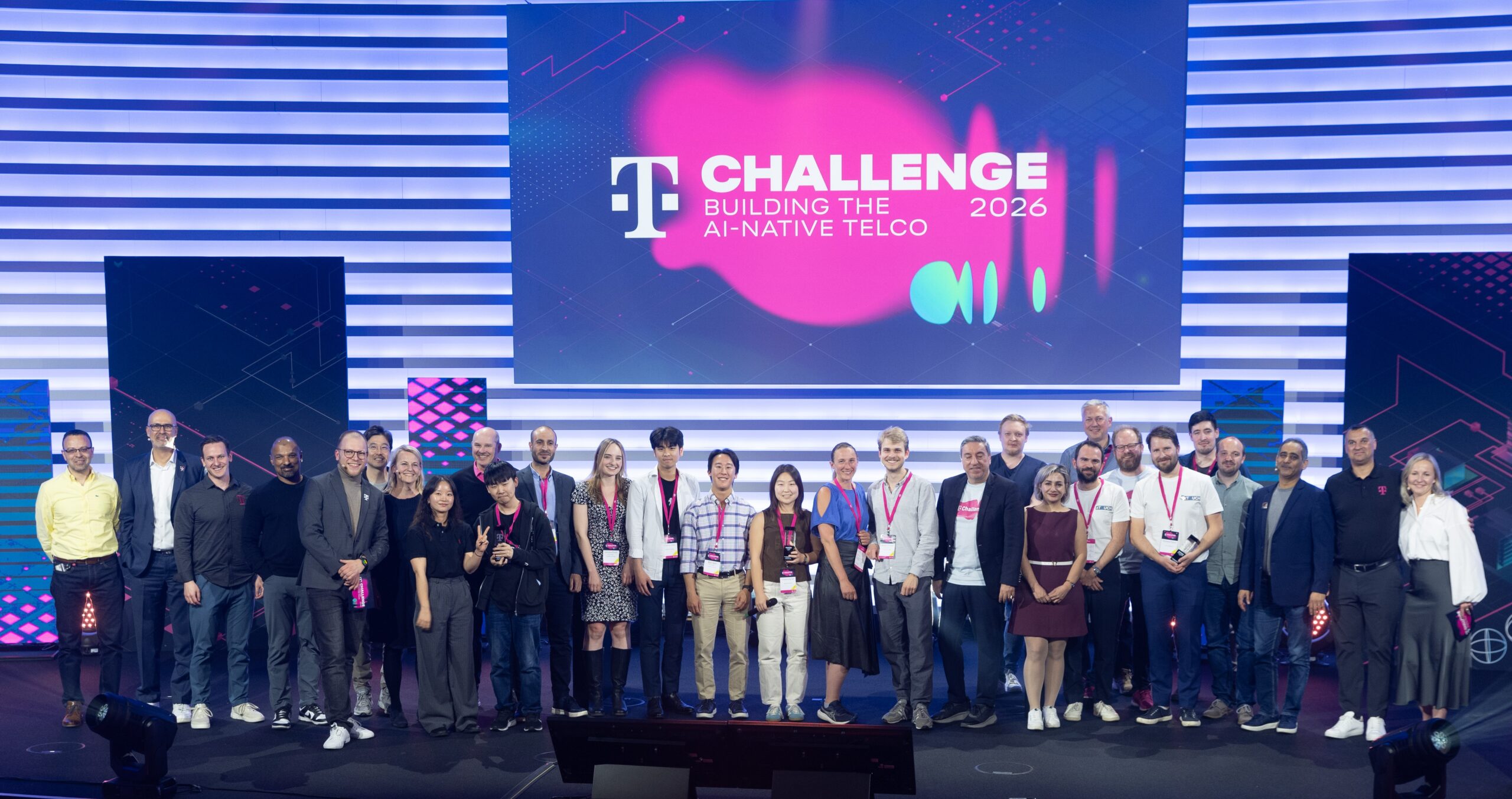
T Challenge 2026: Pitch & Award Show on April 28 – 29, 2026
T Challenge 2026 Pitch & Award Event T-Mobile and Deutsche Telekom today announced the winners of the 2026 T Challenge, their joint global innovation competition spotlighting startups developing high-impact artificial intelligence (AI) solutions for the telecommunications industry. This year’s T Challenge focused on accelerating the shift toward an AI-native telco—bringing together startups from around the world to create technologies that can be embedded directly into network operations and customer experiences. The winning teams demonstrated how AI can move beyond experimentation to deliver practical, scalable solutions that improve performance, efficiency and connectivity. 2026 T Challenge [...]
CONTACT
Deutsche Telekom AG, T-Labs
Winterfeldtstraße 21
10781 Berlin, Germany
t-labs.info@telekom.de
SOCIAL MEDIA
Live content from the core of T-Labs.